For video editors & filmmakers

Your grade.
Everywhere it plays.

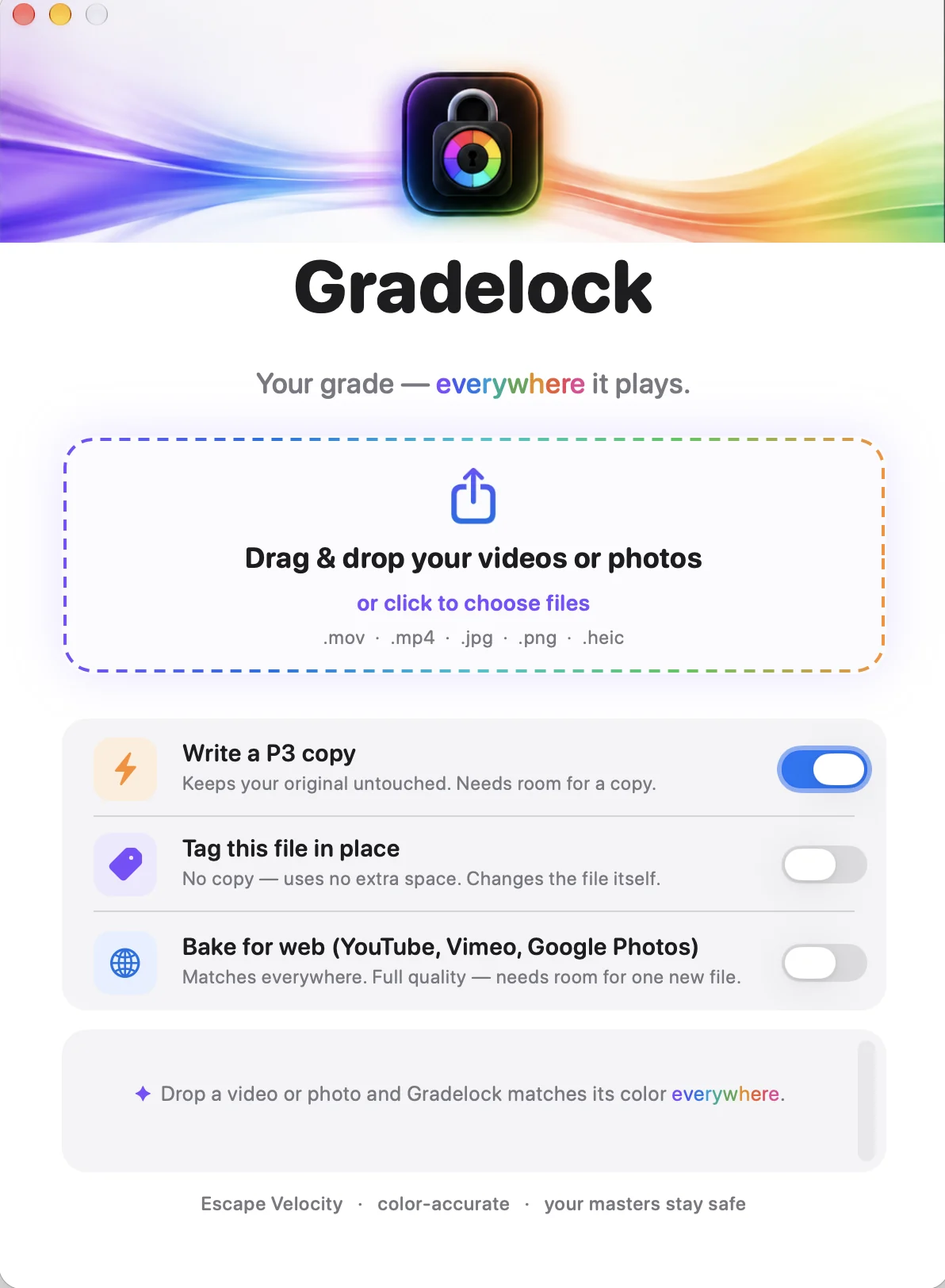
You spend hours getting the color right — then QuickTime, your phone, and Instagram wash it all out. Gradelock fixes that in one click. Instant. Lossless. No re-encode.

One-time purchase · macOS · works on files of any size

Gradelock app icon

Same file. Two very different looks.

Drag the slider. Left is what your viewers see in QuickTime, on iPhone, and on Instagram. Right is the look you actually graded.

Washed out in QuickTime Correct color after Gradelock QuickTime / iPhone What you graded

Real frame from a wedding film. The washed-out version is what clients were actually receiving.

Why it exists

“You grade for hours — then QuickTime, your phone, and Instagram wash it all out. That’s not your grade. That’s color management fighting you.”
“The cause is a single tag — two bytes. Gradelock sets it in one drag: instant, lossless, on any file. Deliver exactly what you made.”

— Kevin Wolf, Escape Velocity

One click. Nothing to learn.

⚡️

Instant

It changes a tag, not pixels — so it's done in under a second, even on a 20 GB+ ProRes master.

🔒

Zero quality loss

No re-encode, ever. Your resolution, bitrate, and grade are untouched. It's mathematically the same file.

🎬

Drag & drop

Drop a clip on the window — or the Dock icon. Works with .mov and .mp4 straight out of Premiere, Resolve, or Final Cut.

📱

Matches everywhere

QuickTime, iPhone, Instagram, Safari — they finally agree with what you graded. Deliver with confidence.

Stop re-exporting. Start delivering.

$15 one-time
No subscription. Free updates.
  • Gradelock for macOS
  • Unlimited files, forever
  • Works on any file size
  • Free updates
Buy Gradelock — $15
Secure checkout via Stripe · 30-day money-back guarantee

Questions

Why does my export look different in QuickTime than in my editor?

Color-managed apps (QuickTime, iPhone, Instagram, Safari) read a color tag in your file and convert the footage to your display. When that tag doesn't match how the file was actually produced, you get the classic washed-out, lifted-black look. Gradelock corrects the tag so no unwanted conversion happens.

Does it reduce quality or re-encode my video?

No. Gradelock never touches the video data. It rewrites a tiny tag in the file's header — typically two bytes — so it's instant and completely lossless, even on huge ProRes masters.

What files does it work with?

Standard .mov and .mp4 files (H.264, HEVC, ProRes) exported from Premiere Pro, DaVinci Resolve, Final Cut, and most editors.

Mac or Windows?

Gradelock is a macOS app today. Want a Windows version? Buy and email me — demand decides what I build next.

What if it doesn't fix my issue?

There's a 30-day money-back guarantee. If it doesn't solve your problem, email me and I'll refund you.